
01Upload Your Image and Choose a Language
Drop a JPG, PNG or WebP, then pick the language you want the text translated into.

Translate text in an image without rebuilding the design. Upload a poster, ad, or screenshot, choose a language, and click Run. Retypit detects each line and drafts a translation. Review the lines you want to change, then click Run again to replace them — in the original font, color, and size.
Retypit finds every line and drafts a translation in the language you choose.
Or click to browse · PNG, JPG, WebP up to 20MB
Drop a JPG, PNG or WebP, then pick the language you want the text translated into.
Click Run to detect each line and draft a translation. The original wording stays as a reference. Edit the translation if you need to, then check the lines you want to change. Uncheck a brand name or any line that should stay as it is.
SUMMER NIGHT MARKET→여름 나이트 마켓
LIVE MUSIC · FOOD · LIGHTS→라이브 음악 · 푸드 · 라이트
Saturday 18 July · 6 PM→7월 18일 토요일 · 오후 6시
Click Run again to replace the checked lines. The new text is rebuilt in the original font, color, and texture, so the layout looks the same.

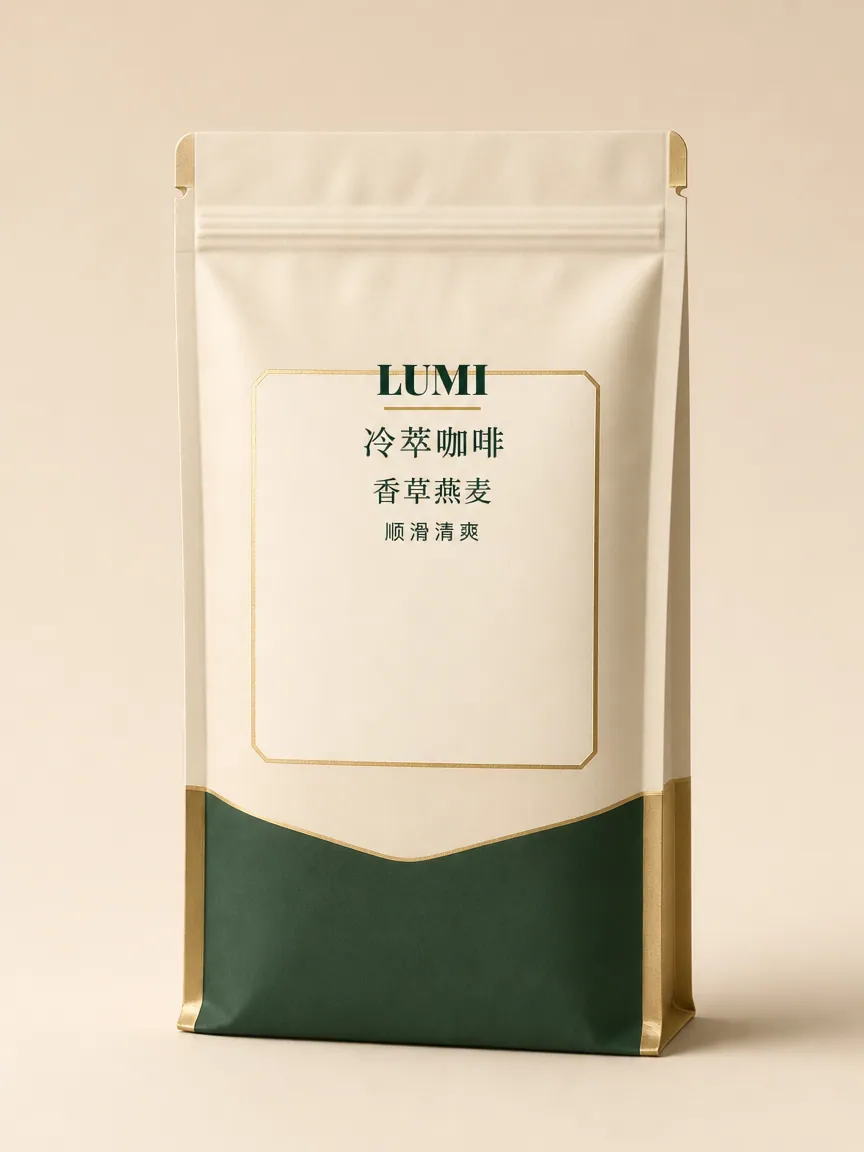
Keep the product photo and typography, and swap the headline or claims into the new market’s language. On this page, the sample coffee bag goes from English into Simplified Chinese, with the brand name left as it is.
Update the title, date line, and call to action on a concert, pop-up, or exhibition poster without redrawing the layout. The sample night-market poster is translated into Korean.
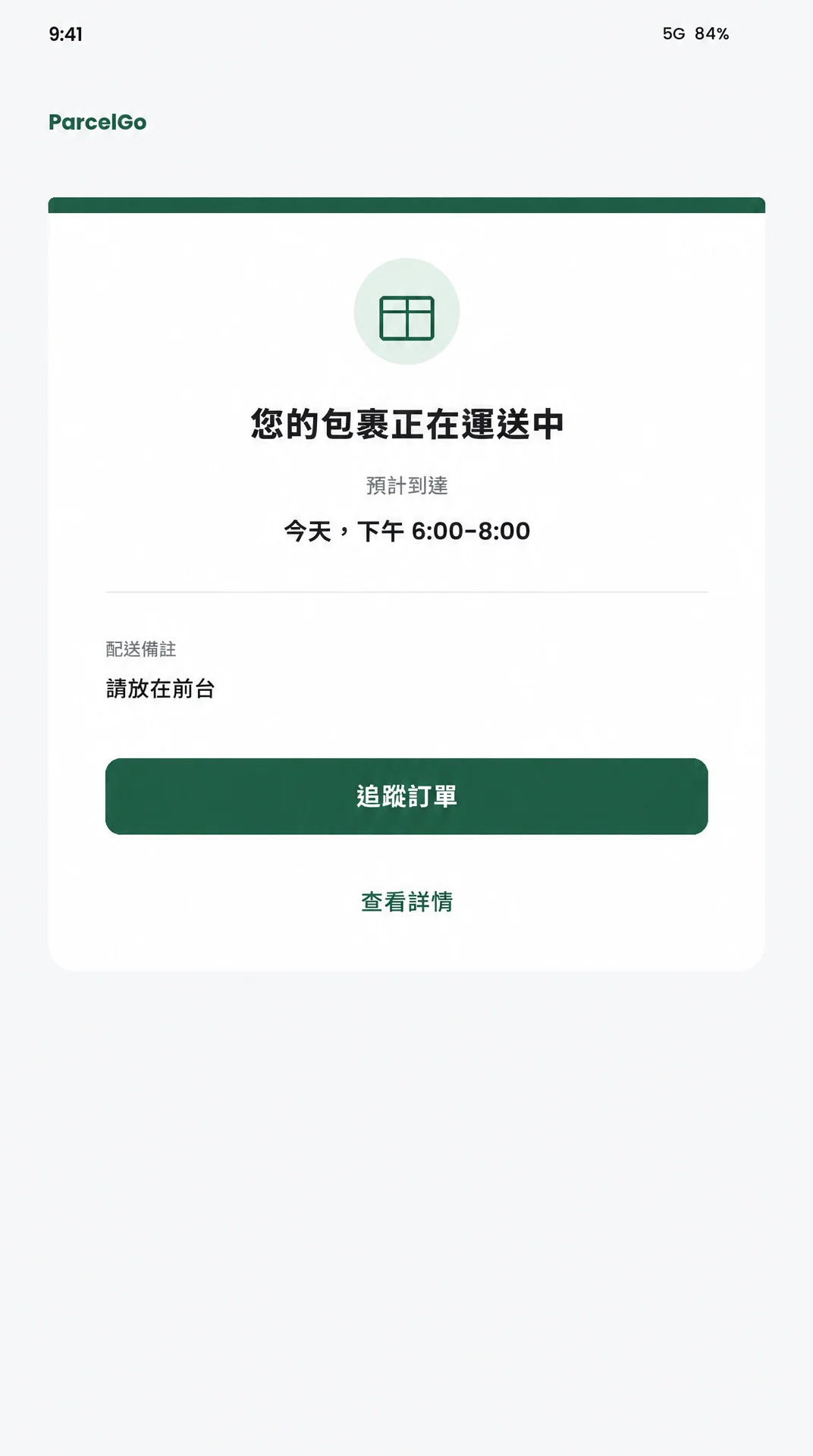
Translate UI labels and store-listing screenshots so the same screen can ship in another language. The sample delivery screen is translated into Traditional Chinese; the app name stays unchanged.
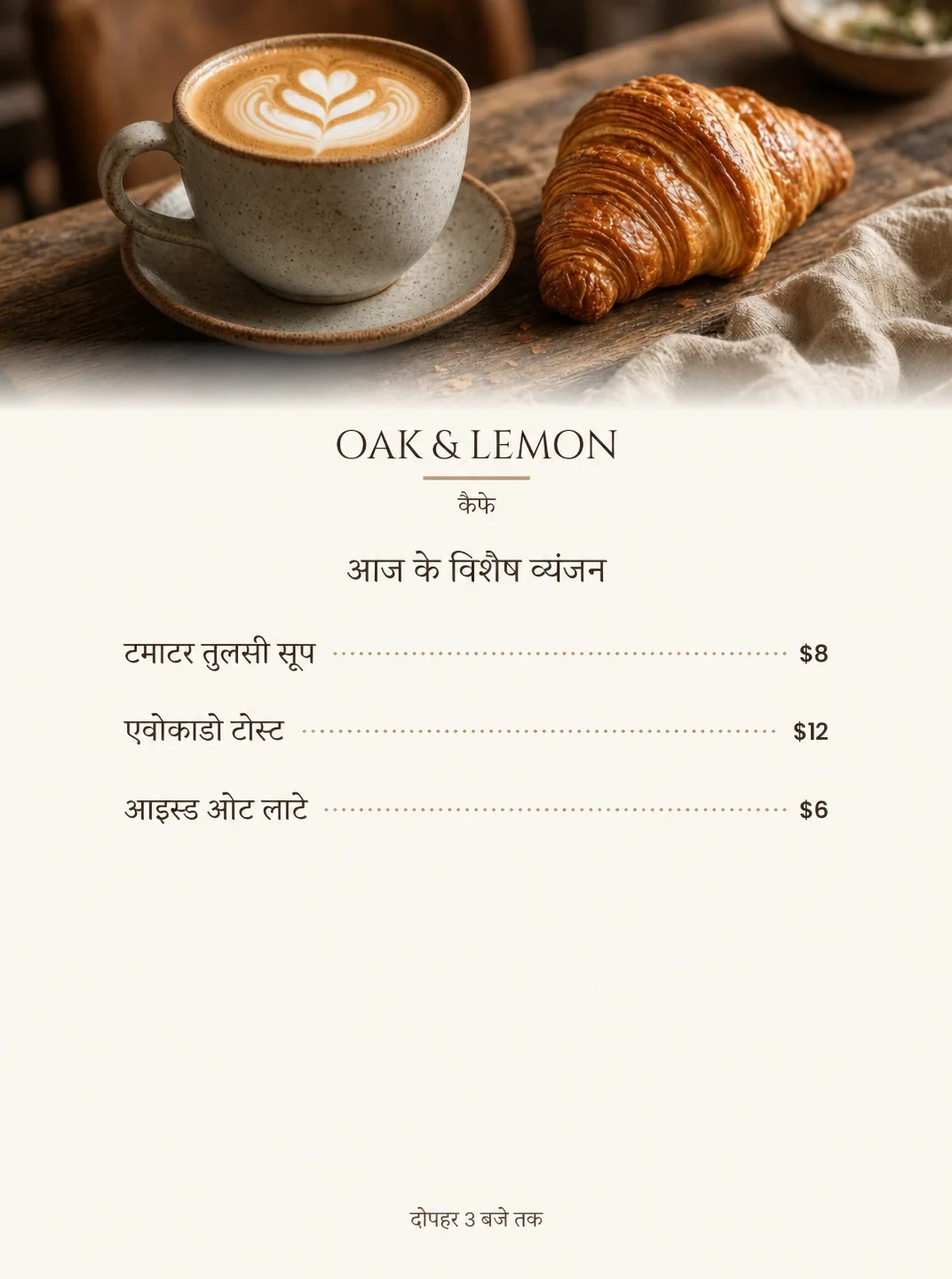
Turn a cafe or restaurant menu into another language and keep the same layout, so names still sit next to prices. The sample lunch menu is translated into Hindi; prices stay as they are.
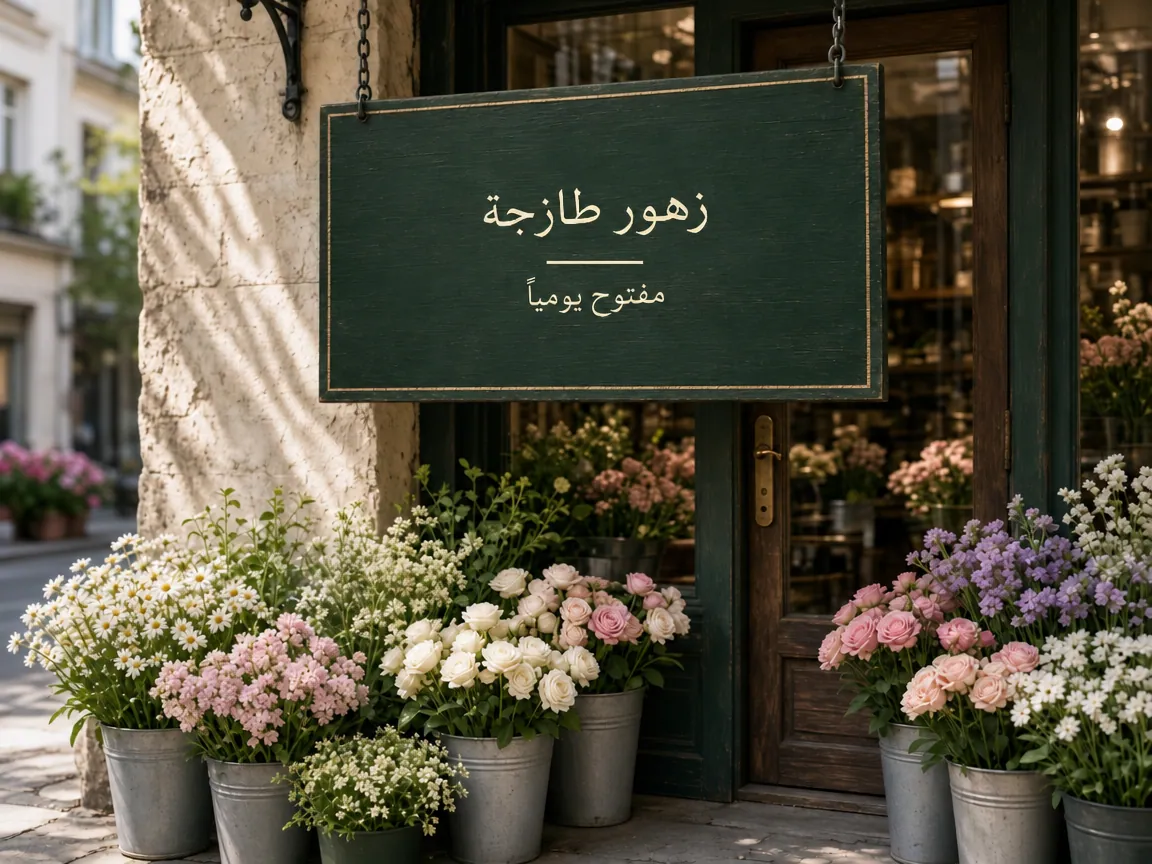
Replace the wording on a storefront or wayfinding sign and keep the lettering in place. The sample flower-shop sign is translated into Arabic.
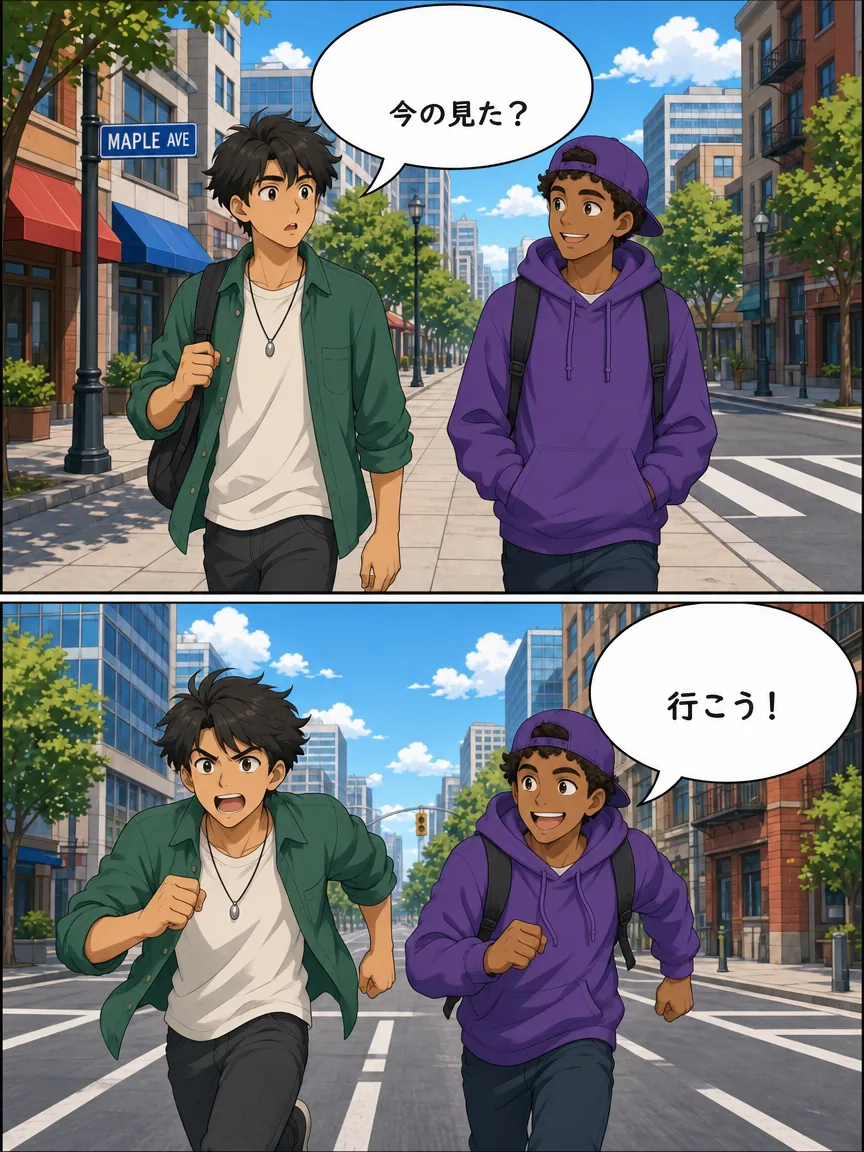
Translate speech bubbles and captions in a comic page while the art stays put. The sample page is translated into Japanese; street names and other labels you uncheck are left alone.
No. An image translator is for reading a sign or photo in another language. This page is for replacing the words in your own image with a translation, while keeping the original font and layout.
You can translate into Simplified Chinese, Traditional Chinese, Japanese, Korean, Hindi, Bengali, and Arabic. Review each line before you run the translation, and edit any wording you want to keep or change.
Yes. The original line is only a reference. You can edit the drafted translation, uncheck any line that should stay unchanged, and then click Run.
Yes. The translated text is rebuilt to match the original font, color, and size, so it sits in the same place.
Yes.
No. It runs in the browser.