
Remove People from Photo
Remove someone from a photo in a few clicks. Upload a photo, mark who should go—or who should stay—and download it clean. Retypit removes the rest and fills the background.
Two ways to clean a photo
Tag the people that matter. Keep mode keeps only who you select. Remove mode deletes only who you select.
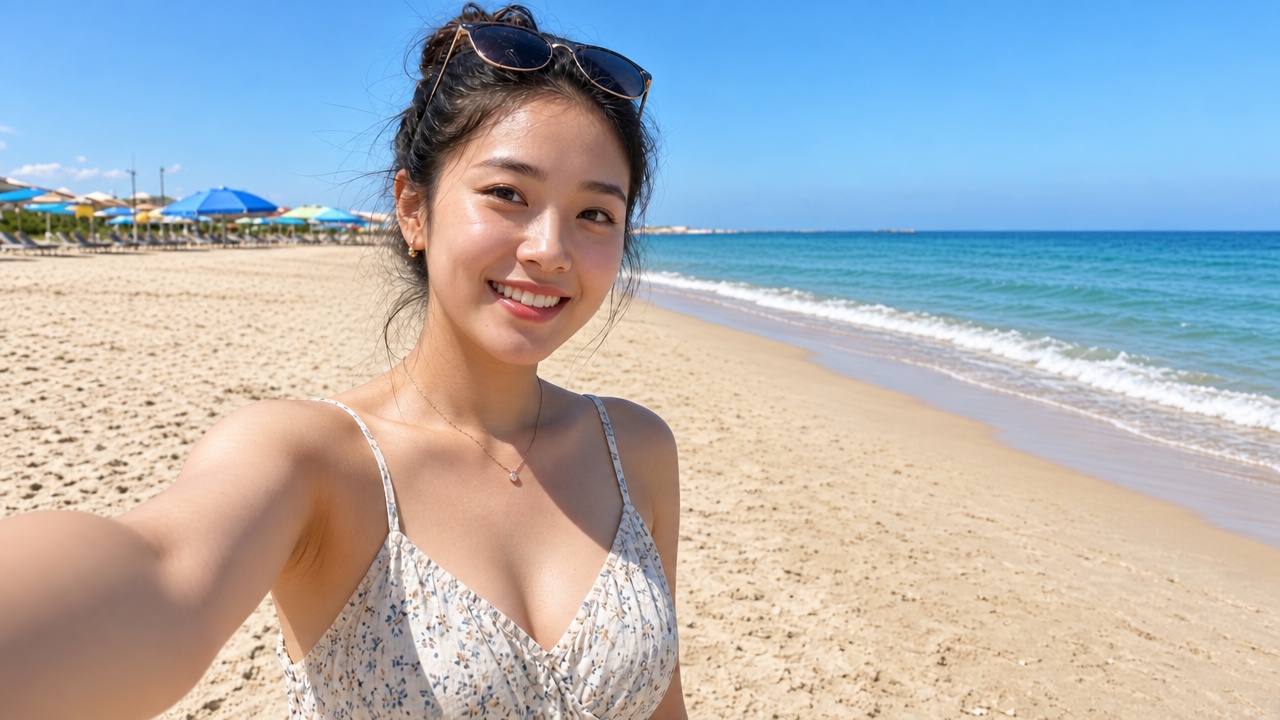
Tag the 1person you want to keep. Everyone else is removed and the background is filled in.
Mark each person to remove, then click Run.
Or click to browse · PNG, JPG, WebP up to 20MB
Frequently Asked Questions
Can I remove someone from a photo?
Yes. Upload a photo, open Remove mode, mark the person who should go, and run. Retypit removes them and rebuilds only those pixels so the rest of the photo stays intact.
How do I remove people from a photo—or just one person?
Use the mode that needs fewer taps. If only a few people should leave, use Remove mode and mark them. If the background is crowded and you only care about one or two people, use Keep mode and mark who should stay—Retypit clears everyone else.
When should I use Keep mode vs Remove mode?
Both remove people; the difference is how many marks you place. Keep mode is for crowded scenes: mark the people you want, and the rest are removed. Remove mode is for light cleanup: mark only the passersby or photobombers. Pick the mode that matches the smaller set of taps.
Can I delete or erase a person from a photo the same way?
Yes. Mark who to remove—or who to keep—and run. Retypit deletes those people from the image and fills the gap; you do not paint over them by hand.
Does this AI person remover work on photos and on images?
Yes. Group photos, travel shots, portraits with strangers in the frame, and other JPG, PNG, or WebP images are supported. Mark people on the photo, run, then download the cleaned image.
Can I mark more than one person in a single run?
Yes. Place a mark on each person in your smaller set—everyone to remove, or everyone to keep—then run once. You do not need a separate pass for each mark.
Will objects in the background be deleted?
No. Retypit targets people. Objects and the rest of the scene are meant to stay; only the areas where people were removed are rebuilt. Check the preview before you download.
Do I need Photoshop to remove a person from a photo?
No. A finished JPEG, PNG, or WebP is enough. No install and no layered PSD are required.
What image formats are supported?
JPG, PNG, and WebP, up to 20MB. Downloads keep the original resolution.
Remove someone from a photo in a few clicks
Upload a photo, mark who should go—or who should stay—and run.
JPG, PNG, or WebP · Max 20MB
- Edit Text in ImageChange words in a photo and keep the same font, color, and style.
- Translate Text in ImageTranslate the text in an image and keep the original font.
- Text RemoverErase words from an image and fill the background.
- Extract Text from ImageUpload a screenshot or photo and copy the text out as plain blocks.
- AI Image EditorClick a point, add a short note, and edit that spot.
- People RemoverMark who should go or stay, then download a clean photo.
- Image to FontUpload a style image, type your text, get letter SVGs in that font style.