01Upload a style image & frame one line
Drop a JPG, PNG, or WebP. Frame one line of the lettering you want to copy—on this poster, the FIRE line.
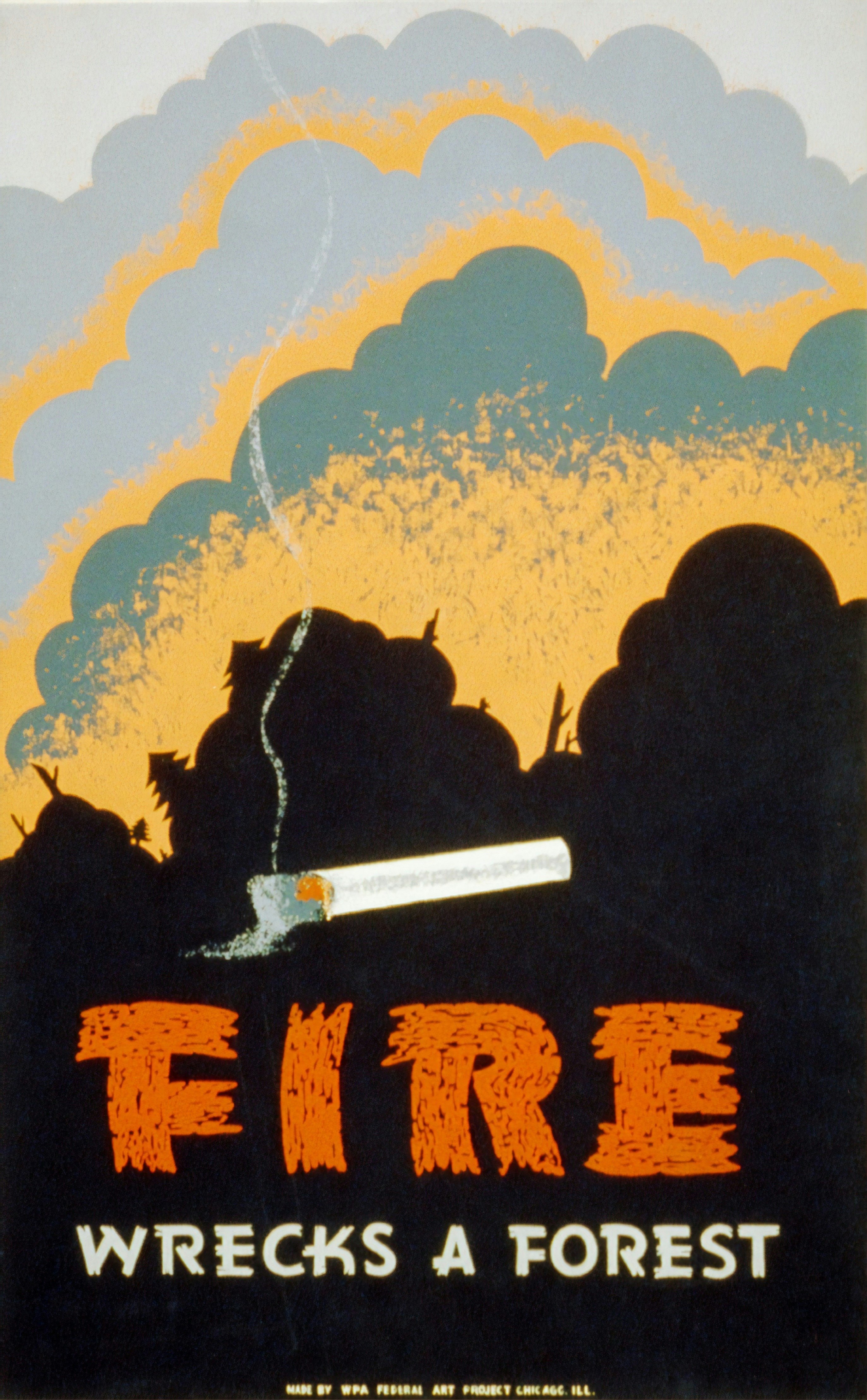
Frame one line of the style you want

スタイル文字の行を枠選択し、文案を入力。実行後にSVGをダウンロードし、Figma / Illustrator へ。
Ask ChatGPT how to use this toolDrop an image withthe font styleyou want
Or click to browse · PNG, JPG, WebP up to 20MB
Upload a style image, type the letters you need, and get letter SVGs in that font style.
Drop a JPG, PNG, or WebP. Frame one line of the lettering you want to copy—on this poster, the FIRE line.
Frame one line of the style you want
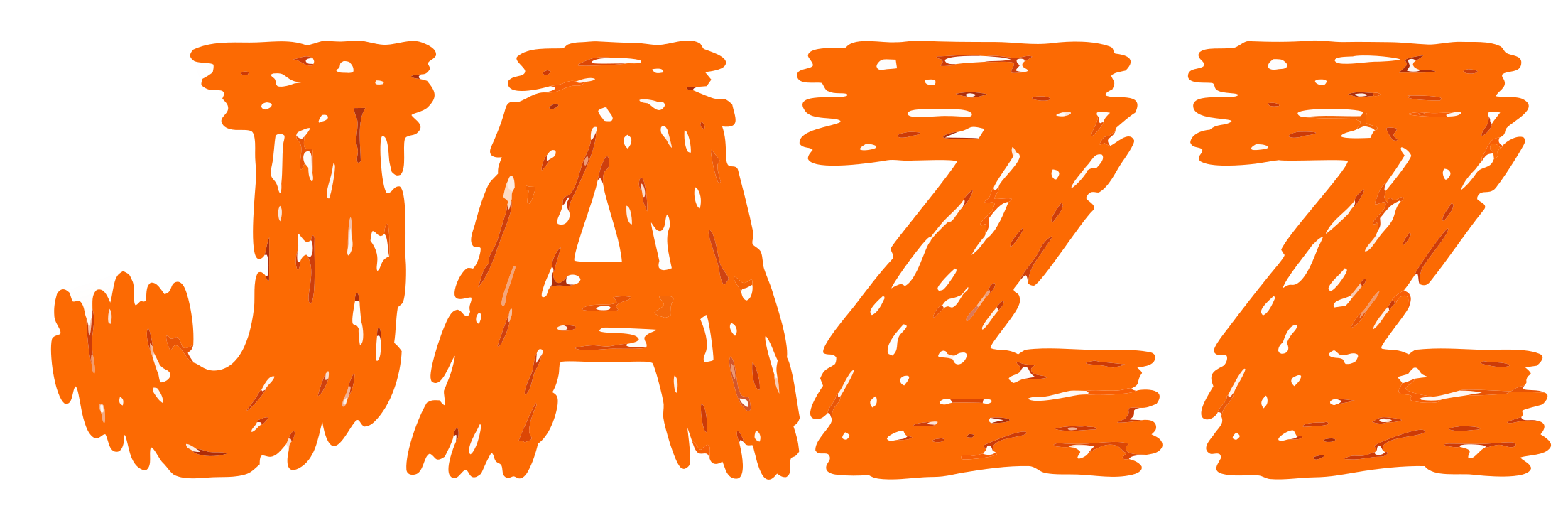
In Your text, type the characters to generate (example: JAZZ). Only those letters become SVGs.
Frame one line of the style you want
Your text
Hit Run and download the SVG in that font style (vector paths) for Figma or Illustrator—not a font ID, not a .ttf.